HEARING AIDS
Why are my hearing aids beeping? Common Causes & Solutions
By Team Hearzap | April 24, 2025
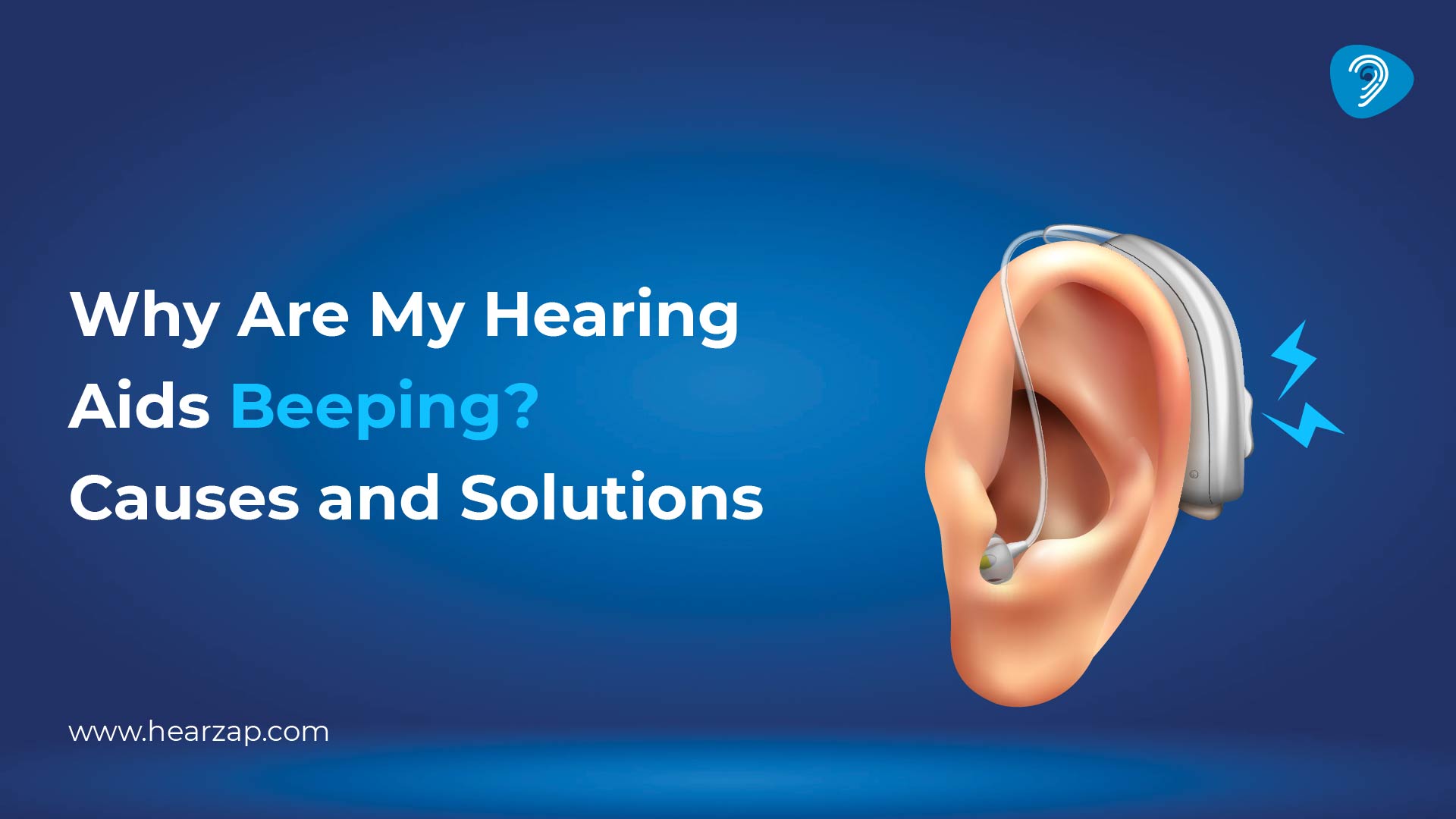
A hearing aid beep arrives at the wrong moment. Most of the time, hearing aids beeping is not a crisis. The sound is a warning, feedback, or reminder. This guide explains the reasons, fixes, and when to ask for help.
What Causes Hearing Aids to Beep?
Hearing aids react to power, moisture, wax, fitting, and digital connections. When you notice a hearing aid making a beeping noise, start with simple checks.
1. Low Battery or Charging Issues
Low battery is the first thing to check. Disposable batteries often give warning tones before they stop. With rechargeable models, the issue may be poor charger placement, dusty charging points, a loose cable, or an old battery. Rechargeable hearing aid beeping can also happen when the device was not charged fully overnight. Check the light, clean the contacts, and recharge the battery before a long day outside.
2. Improper Fit or Poor Ear Canal Seal
A hearing aid must sit firmly and comfortably. When the dome or earmould is loose, amplified sound escapes and returns to the microphone. That loop can create a sharp beep or whistle. Masks, helmets, spectacles, dupattas, chewing, or talking can disturb the seal. Remove the device, insert it slowly, and listen. Poor fit is a common reason a hearing aid feels irritating.
3. Earwax or Debris Buildup
Earwax is natural, but it can block the receiver, microphone opening, dome, or tube. Once sound cannot pass properly, the device may become weak, muffled, or noisy. Clean the outer part with the supplied brush. Do not push pins, cotton buds, or sharp tools into the hearing aid or ear. If wax returns often, arrange safe ear care.
4. Moisture or Water Damage
India’s humidity can be tough on hearing aids. Sweat, rain, bathroom steam, and monsoon moisture can affect the small parts inside. Moisture-related beeps may come and go. Keep the device away from water, remove it before bathing, and use a drying box at night. Never dry it with a hair dryer.
5. Bluetooth or Connectivity Issues
Many newer devices beep when they connect to a phone, disconnect, change programmes, receive app alerts, or update settings. If the beep began after a phone update or new pairing, check the app first. Turn Bluetooth off, restart the phone, and reconnect. Delete old pairings.
What Does Different Hearing Aid Beeping Mean?
Each brand uses its own alert pattern. One beep may mean a programme change. Repeated beeps may mean low battery. A tone inside the charger may show the charging status. A longer sound may mean start-up, shutdown, or error. Hearing aid continuous beeping should not be ignored because the trigger is returning. If the hearing aid keeps beeping after charging, cleaning, and reinserting, note the timing, side, activity, and pattern before speaking to a professional.
How to Stop Your Hearing Aid from Beeping
1. Replace or Recharge the Battery
For disposable batteries, remove the tab, wait a minute, place the battery correctly, and close the door fully. For rechargeable devices, wipe the contacts and place the device properly in the charger. If one side drains faster, the battery or charger may need checking.
2. Clean Your Hearing Aid Regularly
Daily cleaning prevents many small faults. Focus on:
- microphone openings
- receiver area
- dome and wax guard
- tubing, if used
- charging contacts
Keep your hearing aid away from oil, perfume, sanitiser, talcum powder, and water. A clean device gives clearer sound.
3. Ensure a Proper Fit
Insert the device in front of a mirror until it feels steady. Replace loose domes as advised. Check tubing for cracks and make sure the earmould is not slipping. A good fit should not hurt, but it should not move easily either. Better fitting can reduce feedback and improve speech clarity.
4. Reduce Feedback and Adjust Settings
Lower the volume slightly and see if the beep reduces. Move your hand, phone, helmet, or scarf away from the microphone area. Feedback controls can help, but they cannot fix wax, moisture, or poor fit. If you changed programmes by mistake, return to your usual setting.
5. Visit a Hearing Care Professional
When you keep wondering why my hearing aid is constantly beeping, a trained hearing care professional can check the receiver, microphone, wax filter, software, battery, charger, tubing, and fit. You can book an appointment for cleaning, programming, maintenance, or repair guidance instead of living with daily noise.
Signs Your Hearing Aid Needs Repair or Replacement
Home checks are useful, but they have limits. Repeated beeps with distorted sound, sudden shutdown, weak output, fast battery drain, loose buttons, cracked casing, or no sound after cleaning may point to repair. A hearing test is also useful if speech sounds less clear, as changing hearing loss levels may require new settings.
Hearzap Hearing Aid Support & Expert Care
Hearzap offers assessments, fitting help, repairs, maintenance, troubleshooting, and personalised hearing care. Whether you want your current device checked, need advice before you buy hearing aids online, or are comparing options, guided support matters. For repeated alerts, hearing aid support can identify whether the answer is cleaning, adjustment, repair, replacement, or better care.
FAQs
How to stop hearing aids from beeping?
Check battery, wax guard, fit, Bluetooth, and moisture. Clean and reinsert the device.
What does it mean if your hearing aids are beeping?
It may mean low battery, programme change, feedback, wax, charging status, Bluetooth change, moisture, or error.
Why am I hearing constant beeping?
Constant beeping may come from a poor fit, feedback, low battery, wax, moisture, or internal fault.
Do hearing aids beep when the battery is low?
Yes. Many hearing aids warn users before the battery runs out or charging remains incomplete.
What causes my hearing aids to chirp?
Chirping usually comes from feedback, loose fitting, wax, Bluetooth alerts, programme changes, or moisture.
Related Blogs
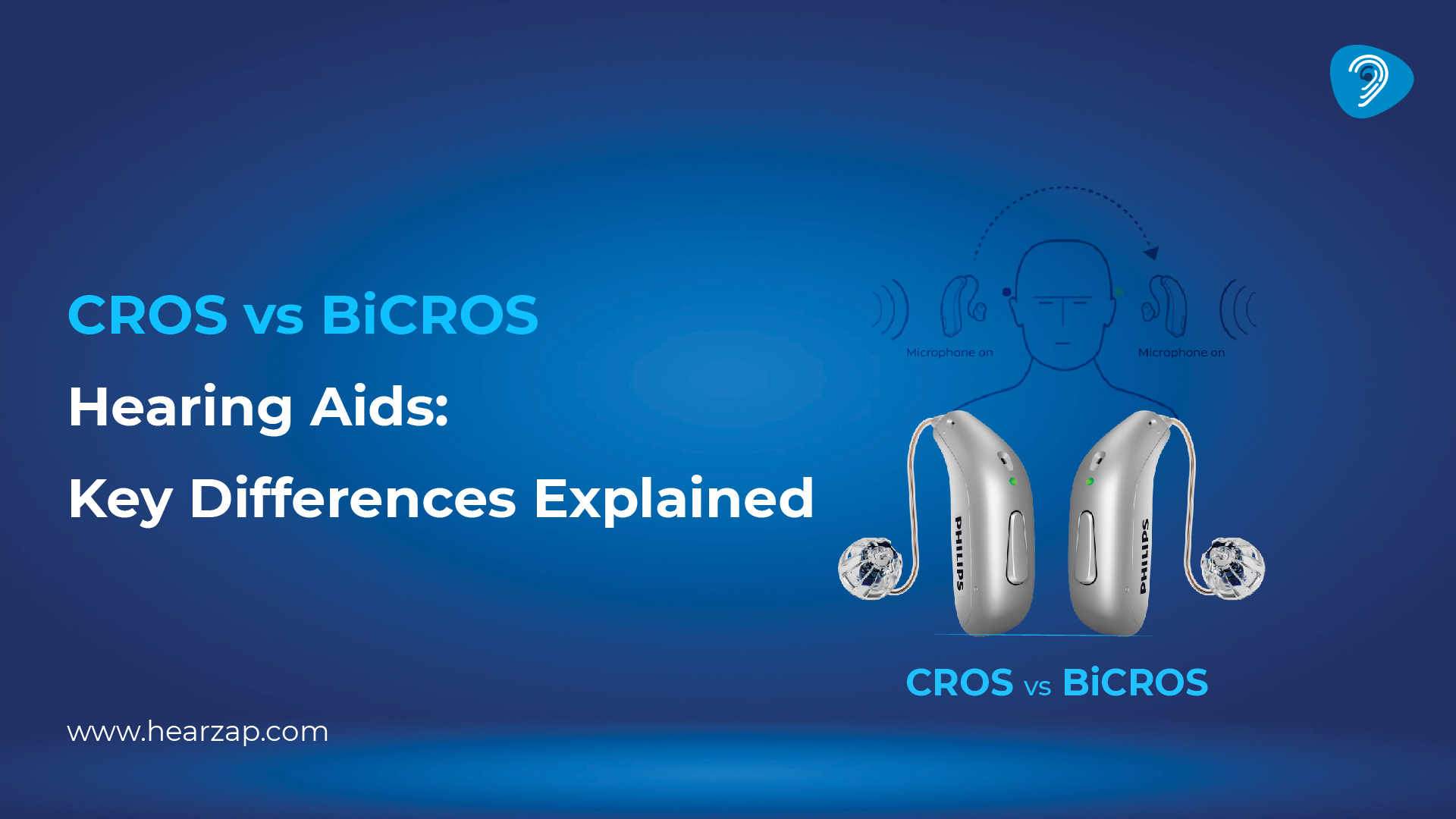
CROS vs BiCROS Hearing Aids: What’s the Difference?
Digital vs Traditional Hearing Aids: Which is Right for You?
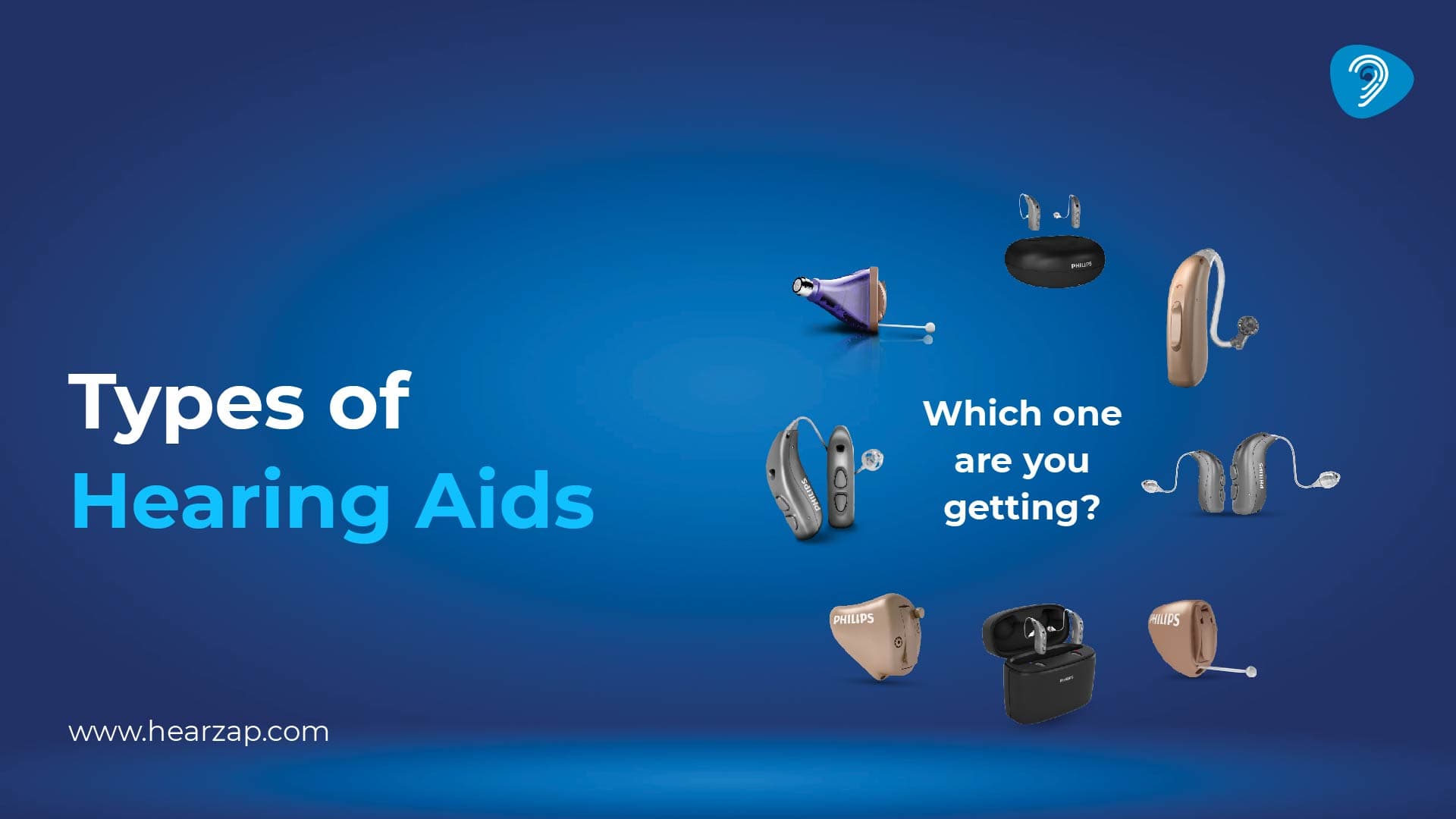
Types of Hearing Aids
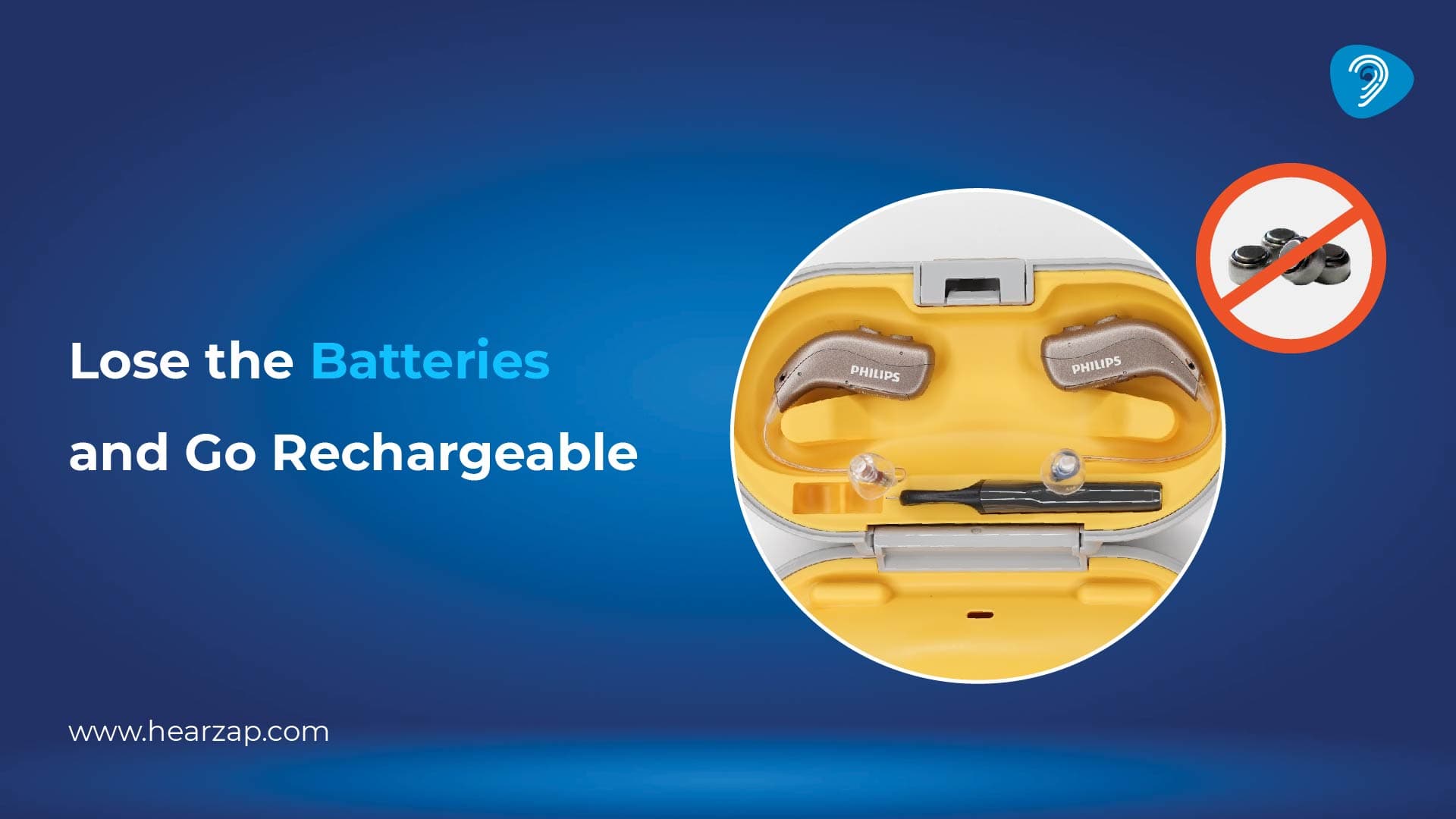
Why Rechargeable Hearing Aids Are the Smarter Choice in 2025
How to Adjust to Wearing Hearing aids for the First Time
How to Find the Best Hearing Aid Specialist
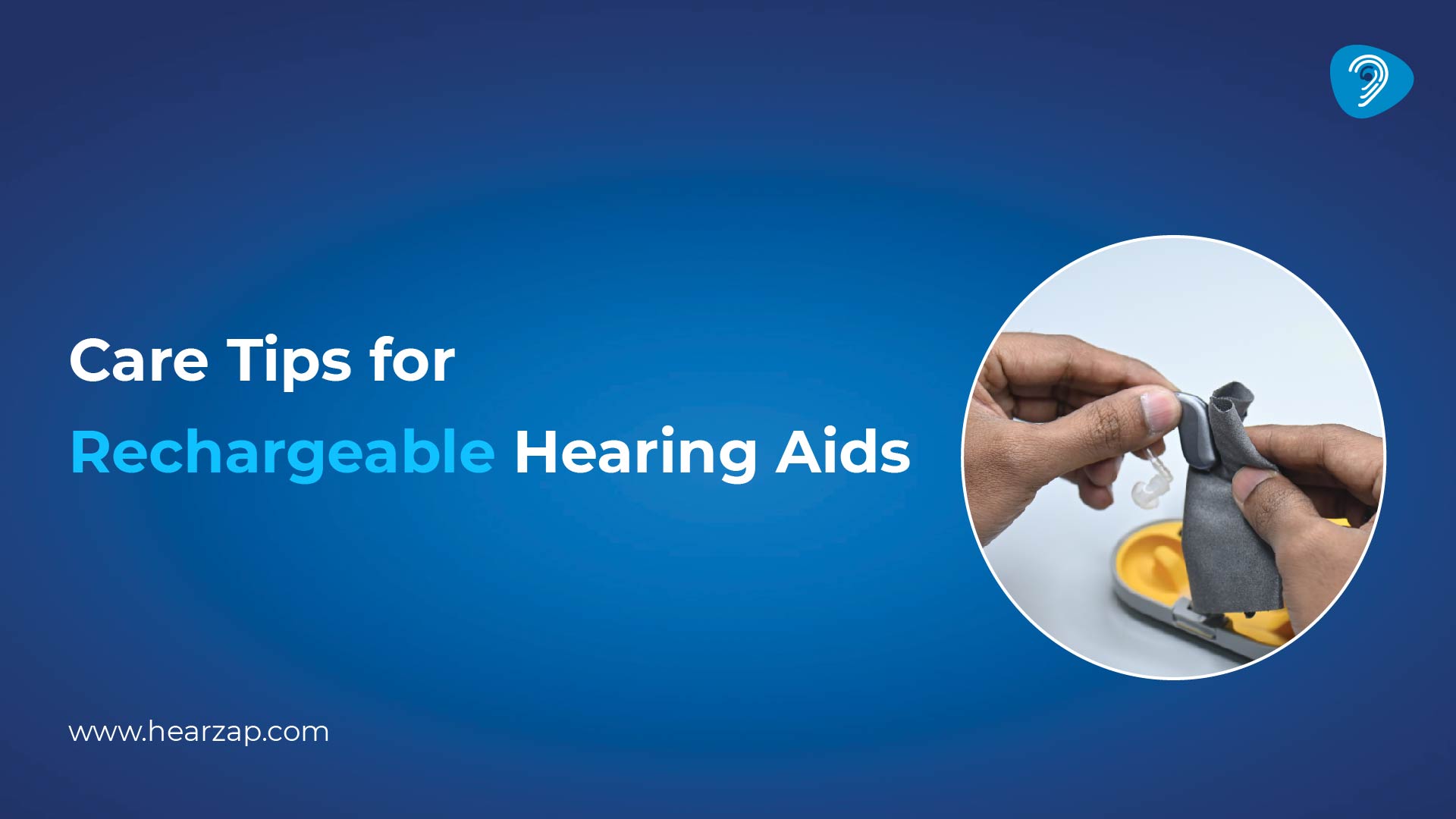
Care Tips for Rechargeable Hearing Aids
Contact us
We are here for all your hearing needs, from hearing tests to hearing aids. Fill out the form below, and we will give you a call soon.
Recent Blogs
By None | Aug. 12, 2026
By None | Aug. 11, 2026
By None | Aug. 10, 2026
By None | Aug. 7, 2026
By None | Aug. 6, 2026