HEARING AIDS
What to Do if One Hearing Aid Stops Working? Causes & Solutions
By Dattatreya M | Aug. 28, 2026
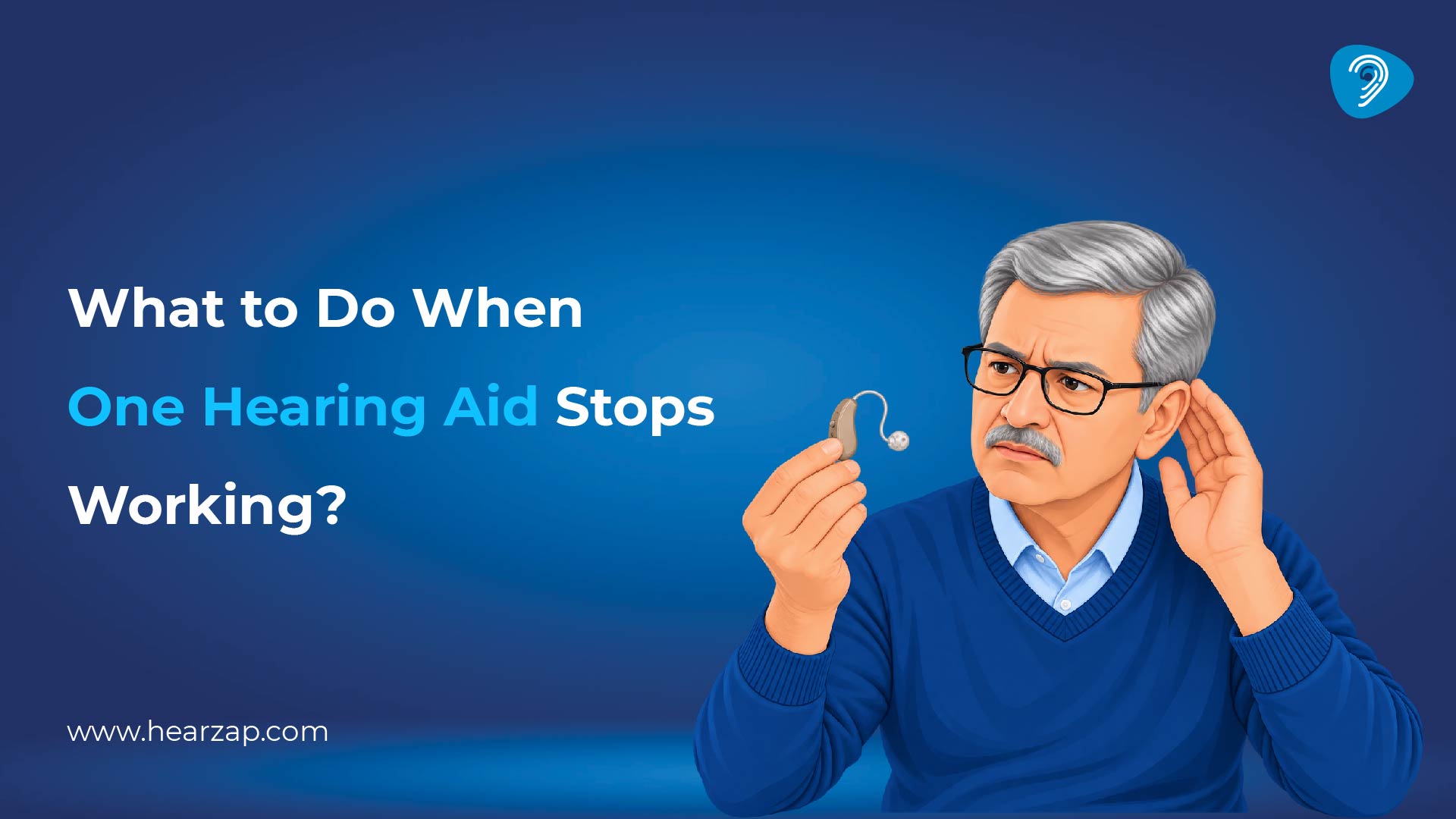
A hearing aid that suddenly goes silent on one side can make conversations and everyday sounds feel unbalanced. The good news is that a silent device does not always mean a serious fault. Low power, trapped earwax, blocked sound outlets, or an accidental setting change may be responsible.
Sometimes, the issue is as simple as a loose battery connection or a clogged wax guard. Identifying these small problems early can prevent unnecessary worry and help restore normal hearing aid performance quickly.
A few careful checks can often reveal the cause and show when professional attention is needed.
Why Is One Hearing Aid Not Working?
A problem in an electronic part can reduce or stop sound. Common hearing aid problems include a flat battery, charging failure, earwax buildup, moisture, blocked microphones, connection loss or physical damage.
Understanding the components of hearing aids can help identify whether the issue involves the microphone, receiver, battery system or another part. Regular hearing aid maintenance helps prevent wax and moisture from affecting performance.
Good hearing aid troubleshooting begins with checking power, cleaning visible debris, reviewing settings and confirming connections. If these steps do not restore normal sound, a professional hearing aid repair may be required for consistent daily sound quality.
How to Fix One Hearing Aid That Is Not Working
Work through each check and test the hearing aid afterwards. Stop if a part feels stuck or damaged.
Step One: Check the Battery or Charging Status
Start by checking whether the hearing aid has enough power. For a battery-operated device, make sure the battery is fresh, inserted correctly, and the compartment closes securely. A rechargeable hearing aid should sit properly in its charger, with clean contacts and a secure connection.
Use these quick checks before seeking further help:
- Reinsert or replace the battery if needed.
- Confirm the device sits correctly in the charger.
- Clean charging contacts gently with a suitable dry cloth.
- If the device still does not power on, professional inspection may be required.
These simple checks can often identify power-related problems and help determine whether the hearing aid needs professional attention or servicing.
Step Two: Check for Earwax or Debris Blockages
Earwax and small debris can block sound and make one hearing aid seem weak or completely silent. The impact wax has on sound transmission can vary depending on where the build-up occurs. Check the dome, wax guard, receiver opening and microphone area for visible blockage.
Check these areas carefully for possible blockages:
- Remove visible debris using approved cleaning tools.
- Replace the wax guard if it appears blocked.
- Keep microphone openings clear and dry.
- Never use pins, needles or sharp objects, as these may damage delicate components or push wax deeper inside.
Regular cleaning can reduce blockage-related sound issues and help keep hearing aids working clearly, comfortably and reliably during everyday use.
Step Three: Check the Hearing Aid Connection
Wireless hearing aids may stop working properly on one side when the connection with a smartphone or app is interrupted. Open the Bluetooth settings or hearing aid app and check whether both devices are recognised and connected.
Try these connection checks before changing anything:
- Turn Bluetooth off and back on.
- Reopen the hearing aid app and check both sides.
- Pair the affected device again if the instructions allow.
- Test normal hearing separately from music or call streaming, as a connectivity issue may only affect streamed sound.
Checking connectivity can separate wireless pairing problems from actual hearing aid faults, making the next troubleshooting step easier to identify.
Step Four: Check the Hearing Aid Settings
An accidental change in the hearing aid settings can make one side sound much quieter than the other. Check the volume level, listening programme, left-right balance and mute controls before assuming there is a technical fault.
Review these basic settings before assuming a fault:
- Return both hearing aids to the usual listening programme.
- Check that the affected side is not muted.
- Compare volume settings between the two devices.
- Avoid changing advanced programming yourself, as a hearing care professional usually adjusts these settings according to individual hearing needs.
Reviewing basic settings can quickly resolve simple sound differences while avoiding unnecessary changes that could affect personalised hearing aid performance.
Step Five: Restart or Reset the Hearing Aid
A temporary software or connection issue may sometimes cause one hearing aid to stop responding. Restarting the device can refresh its system and restore normal operation. Switch the hearing aid off, wait briefly and turn it back on according to its instructions.
Follow these steps to restart the device safely:
- Restart the connected smartphone or app if necessary.
- Check whether the hearing aid reconnects normally.
- Use a full reset only when the device instructions specifically recommend it.
- Remember that resetting may remove saved connections, personalised settings or pairing information.
A careful restart may resolve temporary glitches, while persistent problems should be checked by a qualified hearing care professional promptly.
Step Six: Try a Receiver or Component Swap Test
Some hearing aids use removable receivers, domes or other compatible components that can be checked separately. When the instructions allow it, swapping an identical user-serviceable component from the working side may help identify where the problem lies.
Use these checks only with compatible user-serviceable parts:
- Check whether the issue follows the swapped component.
- Use only parts that are clearly compatible with both devices.
- Do not force receivers, domes or other fittings into place.
- Avoid opening the hearing aid casing or swapping custom parts. Seek professional support when the cause remains unclear.
A professional hearing test can also help determine whether the difficulty is related to the device or a change in hearing ability.
When Should You Contact a Hearing Care Professional?
Contact a hearing care professional when basic troubleshooting does not restore sound, or the hearing aid keeps losing power. Persistent distortion, visible damage or moisture exposure also requires expert attention.
These signs usually mean professional support is needed:
- Seek support if cleaning, charging or restarting does not help.
- Arrange inspection for damaged or moisture-affected devices.
- Get medical assessment if hearing suddenly drops in one ear, even when the hearing aid appears to work.
A sudden change in hearing loss on one side should not automatically be treated as a device fault.
How to Prevent One Hearing Aid from Stopping Working
Preventing hearing aid problems often comes down to regular care and correct handling. Small habits such as cleaning the device, checking for wax, keeping it dry, and charging it properly can help reduce interruptions and support reliable performance throughout daily use.
Simple care habits can reduce avoidable faults and help maintain consistent performance:
- Keep hearing aids dry and away from excessive heat or moisture.
- Clean domes, earmoulds and external openings with suitable tools.
- Check wax guards and replace user-changeable parts when required.
- Charge rechargeable devices correctly and keep contacts clean.
- Store hearing aids safely when they are not being worn.
- Arrange professional cleaning and servicing when recommended.
Earwax, moisture and heat can affect performance, so those who buy hearing aids online should understand maintenance and fitting needs.
Get Expert Hearing Aid Support at Hearzap
Professional support can be useful when basic troubleshooting does not restore your hearing aid’s performance. Hearzap’s audiologists can assess the device, identify possible technical or programming concerns, and suggest the most suitable next step based on your hearing needs.
Here are a few ways Hearzap can help:
- Get support for hearing aid troubleshooting, servicing, repairs, and programming.
- Receive personalised guidance based on your hearing aid model, usage, and listening requirements.
- Understand whether the issue relates to the device, settings, fit, or hearing changes.
- Book a hearing test when a detailed hearing assessment is needed to review your current hearing levels and support suitable adjustments for everyday listening comfort.
With Hearzap’s professional support, hearing aid concerns can be addressed early, helping you enjoy clearer, more comfortable and confident everyday listening.
Frequently Asked Questions
1. What can cause one hearing aid to stop working?
Low power, charging problems, wax, moisture, blocked openings, incorrect settings, connection issues or damaged components can affect one hearing aid. Start with simple checks before assuming it needs repair.
2. How do I get my hearing aid to work again?
Check the power source, remove visible wax or debris, review connections and settings, then restart the device. Follow the instructions and avoid forcing parts not designed for home maintenance.
3. Why does one hearing aid work and the other one doesn’t?
Each hearing aid works independently. One side can develop a battery, wax, charging, receiver, software or hardware issue while the other continues working normally. A sudden change in actual hearing should be medically assessed.
4. Can you replace just one hearing aid?
Sometimes. Suitability depends on compatibility, technology, programming and current hearing needs. A hearing care professional can confirm whether a single replacement will work appropriately with the device on the other side.
5. What is the average lifespan of a hearing aid?
There is no single lifespan that applies to every hearing aid. Longevity depends on use, moisture exposure, cleaning, servicing, handling, charging condition and whether the technology continues to meet the wearer’s needs.

Dattatreya M
Audiology Innovation Manager
Helping You Hear Life Again. At Hearzap, we believe hearing is the key to staying connected with family, friends, and the world around us. With over 48 years of trusted care & my 15 years in audiology, I’ve seen how improved hearing brings back confidence
Related Blogs
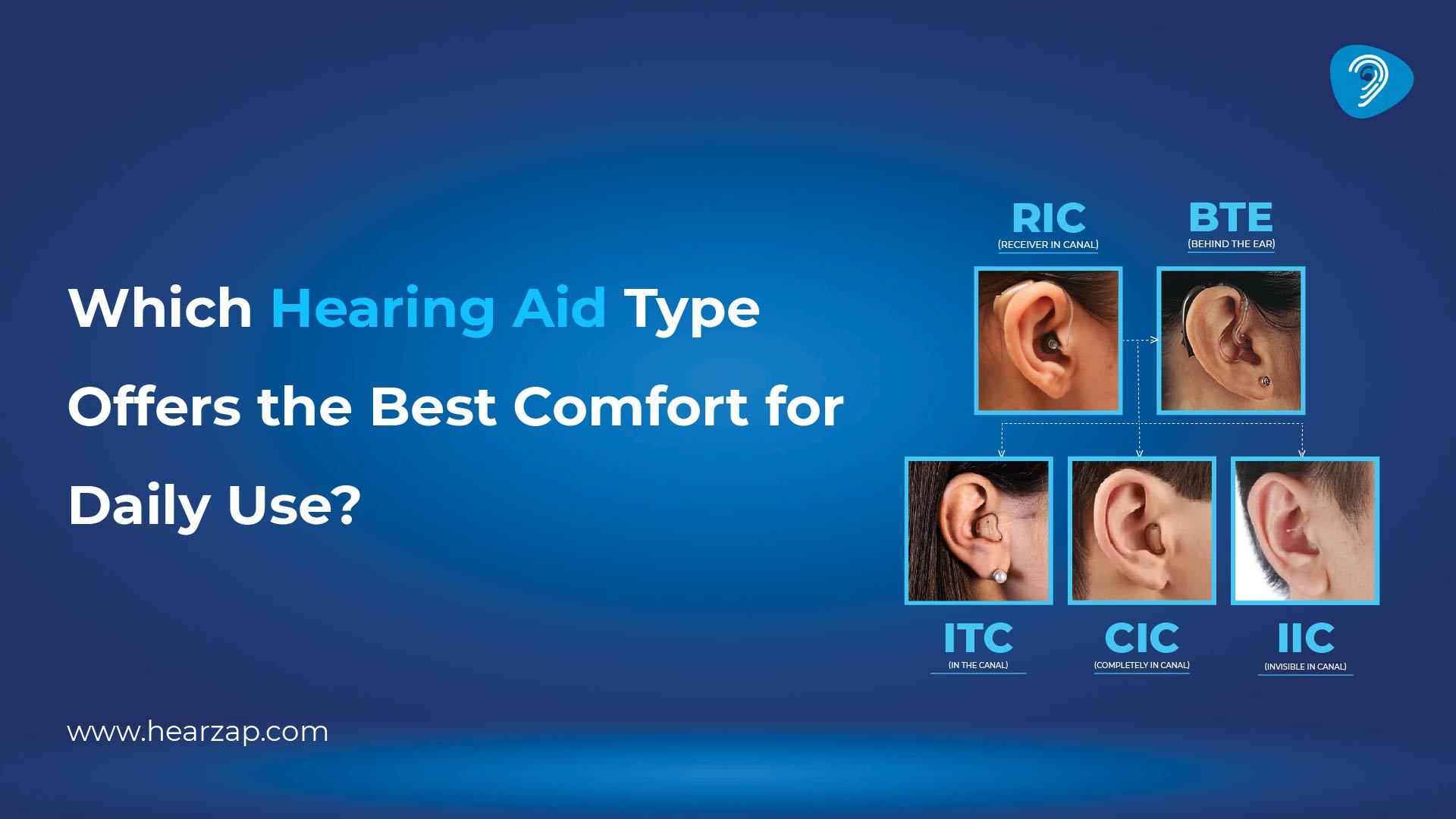
Which Hearing Aid Type Offers the Best Comfort for Daily Use?
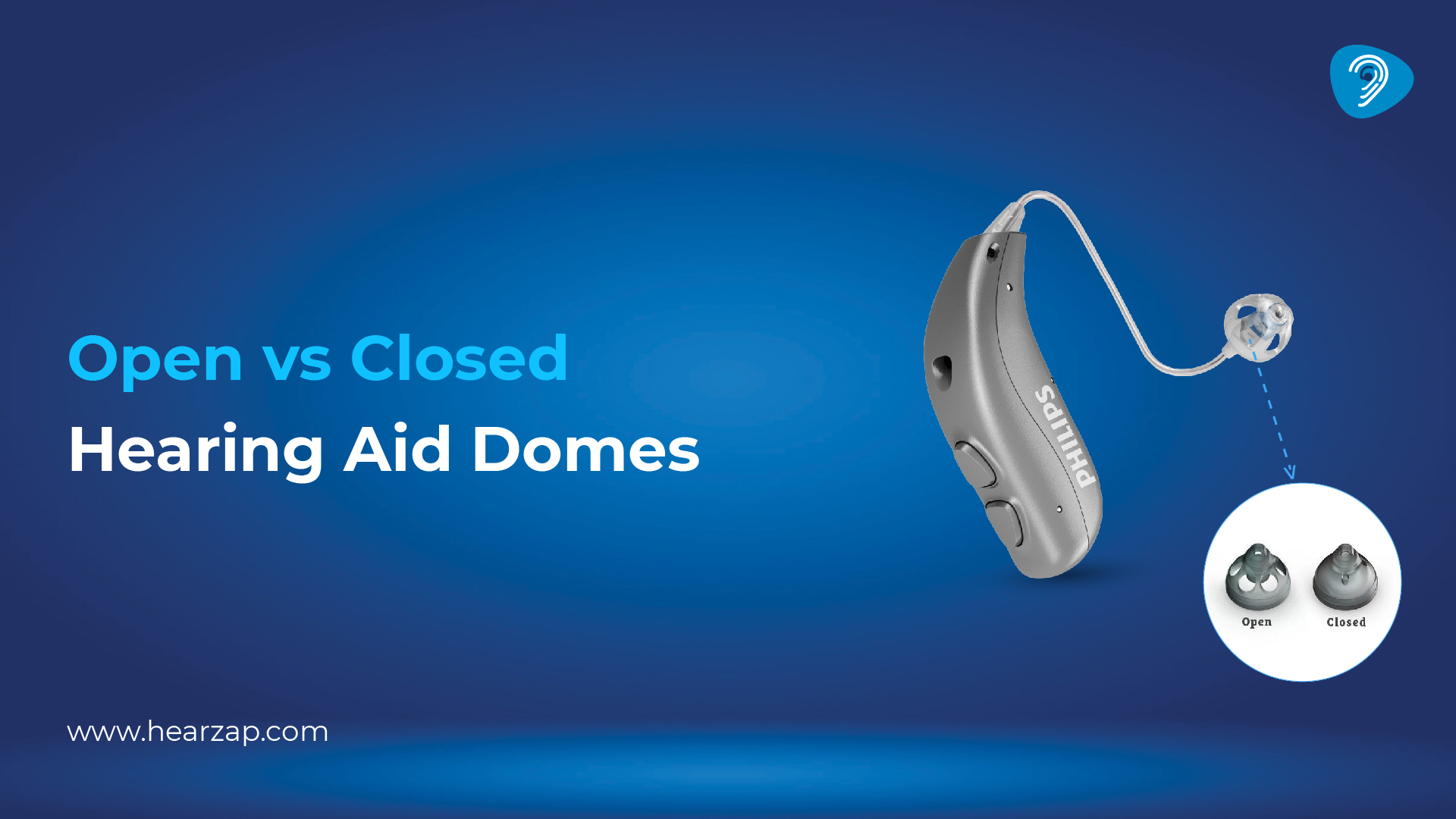
Open vs Closed Hearing Aid Domes: Which One Is Best for You?
Contact us
We are here for all your hearing needs, from hearing tests to hearing aids. Fill out the form below, and we will give you a call soon.
Recent Blogs
By None | Aug. 29, 2026
By Team Hearzap | Aug. 27, 2026
By Team Hearzap | Aug. 26, 2026
By None | Aug. 25, 2026
By Team Hearzap | Aug. 24, 2026